

Automated sales reporting your team can reconcile
Give sales managers a weekly pipeline report they can trace back to the underlying CRM records.
Qonnex Editorial · Business operations and AI consulting

Automated sales reporting starts with a decision the sales manager needs to make. If Monday’s question is which deals slipped and who should act, a weekly report should show the affected opportunities, their owners, and what changed since the last cutoff. An export of current CRM fields can show today’s state. A saved snapshot gives the team a point of comparison.
Define what the weekly review needs
Give every measure a definition and a CRM source. For a distributor’s sales team, open pipeline might mean the full value of opportunities still open at Friday’s cutoff. Weekly bookings might mean opportunities marked won during the week, with credits and reversals handled under an agreed policy. Use the term bookings only if it matches your organization’s definition. Invoiced revenue may come from a separate system, with its own dates and reconciliation.
Choose one time zone, a weekly cutoff, and a reporting currency. Decide how to handle opportunities with no amount or owner. Put those rules next to the report so a regional manager can reproduce the numbers without asking which filters an analyst used. A CRM and ERP field ownership map helps when sales and finance use different records for the same customer.
Keep history for automated sales reporting
Store one row for each opportunity at each cutoff. Include the stable opportunity ID, stage, amount, expected close date, and owner as of that time. Save the extraction timestamp separately. A deal worth $40,000 on Friday might be worth $32,000 on Monday, with a close date a month later. The two weekly rows preserve both facts even after a rep edits the live opportunity.
Two snapshots reveal the net change. If a deal moved forward on Tuesday and returned to its original stage on Thursday, the weekly comparisons can look identical. For stage duration or every transition, use a change history where available. Salesforce documents both scheduled reporting snapshots and an Opportunity History report with stage changes and their modification times. Check the fields and retention your own setup provides before making a promise about historical coverage.

Keep activity at its own level
Count completed calls or meetings from separate activity records with unique IDs. Suppose one open opportunity is worth $40,000 and has four completed calls. Joining its value to four activity rows and then summing the amount can turn one deal into $160,000. Aggregate activities to the level you intend to report on, or keep the measures separate until you present them together.
Decide whether the report attributes an activity to the person who performed it, the opportunity owner, or both in separate columns. Decide how to treat an activity associated with several deals. A map of how the sales team records work can expose gaps such as completed calls that stay in a dialer and never reach the CRM.
Check the run before sending
Reconcile open counts and amounts to a CRM view with the same scope and cutoff. Check for missing owners, duplicate opportunity IDs within a snapshot, and a source timestamp older than the expected refresh window. Pick a handful of changes and trace each one to its record. Add a check that catches a file or feed that appears complete but is a week old. Qonnex’s guide to automated business reporting covers the shared checks and responsibilities.
Publish only after the input and validation steps complete. Power BI, for example, provides scheduled refresh settings and refresh history. Your distribution rule still needs a way to decide whether the latest data is ready. If a check fails, tell the report owner, show the last successful update, and hold the new email. If you release a correction, record the cutoff and revision so people know which version to use.
Pilot with one team and one cutoff
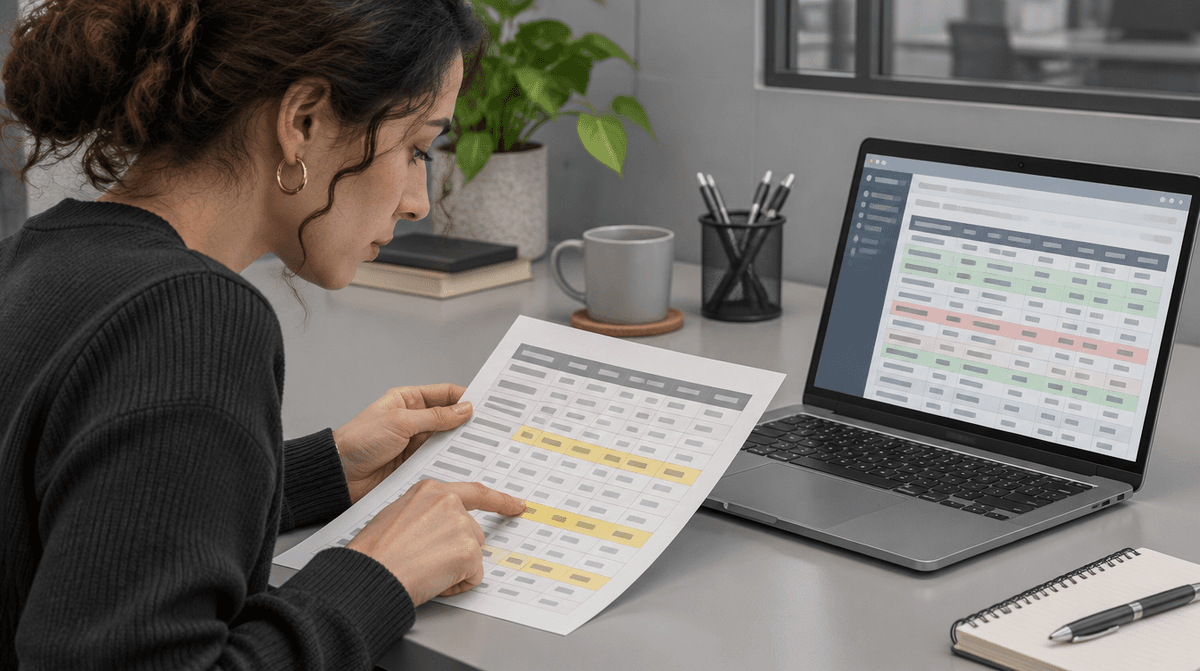
Ask one manager to compare the automated report with the current review for two weekly cycles. Use the same cutoff in both reports and trace differences to a record, a definition, or a timing mismatch. A useful report lets a manager open a flagged deal and see who owns the next step. Give one person authority to approve definition changes and a backup the ability to restart a failed run.
Write down the time spent preparing and checking the report during the pilot. Use a savings baseline to compare it with the old routine. If the numbers reconcile and managers can act on the report, add another team on the same definitions before expanding the metric list.