

Sales order automation that catches the wrong order before ERP entry
A customer emails an order for two cases. Your ERP sells the product by the piece. Follow those two cases through intake, approval and posting.
Qonnex Editorial · Business operations and AI consulting

The most expensive detail on a customer purchase order can be a three-letter word: “box.” A buyer may mean a case of six while the seller’s enterprise resource planning system (ERP) counts individual pieces. Sales order automation receives the buyer’s instructions, matches them to the seller’s records and creates or updates a sales order with the agreed quantities and prices. A successful upload tells you little until someone checks what the warehouse will actually pick.
Follow the purchase order from the buyer’s side to yours
Imagine a fictional distributor that receives order PO-417 from North Street Market. The buyer wants two cases of blue tumblers, customer item BLUE-6, at $24 per case. Each case contains six tumblers. The buyer requests delivery to its Riverside shop. The seller’s ERP identifies the same item as T-104 and prices it at $4 each. The merchandise subtotal before tax, freight or discounts should be $48 for 12 tumblers.
That single document has a different name on each side. It is a purchase order for the buyer and the basis for a sales order for the seller. A purchasing team creating its own vendor orders needs a different workflow, covered in purchase order automation. This example follows the seller’s work through order confirmation. Inventory allocation, shipment, invoicing and payment can have their own controls.
Start with a copy of the incoming email, portal submission or electronic data interchange (EDI) message. Record the customer account, buyer’s order number, arrival channel, receipt time and the version supplied. Keep a pointer to the source document. A service representative receiving a call about PO-417 should be able to find the original without searching someone else’s inbox.
Then separate reading from approval. Successfully reading “Riverside” is only the first step. The next question is which approved delivery address the buyer intended. If two addresses fit, the representative should see the original wording and the available choices. Guessing produces an order that looks complete enough to ship.
Map the buyer’s terms to fields your ERP can use
Build the field map with an order-entry specialist using examples from actual trading agreements. Define who maintains customer item references, approved delivery addresses and current prices. The fictional values below illustrate the decisions. Microsoft’s item reference documentation shows how one ERP records customer-specific item numbers and units of measure. Your ERP and customer contracts determine which fields are available.
| Incoming value | Seller’s record | Validation decision |
|---|---|---|
| North Street Market, PO-417 | Customer account plus external order number | Look for an existing order under this customer before creating one. |
| BLUE-6 | T-104, blue tumbler | Require one active customer-specific match. |
| 2 cases, 6 each | 12 individual pieces | Verify the case conversion recorded for this item and account. |
| $24 per case | USD $4 per piece | Compare prices in the same currency and unit. Expected subtotal is $48. |
| Riverside shop | Approved ship-to address | Resolve one location or ask the customer to clarify. |

Keep the buyer’s values as well as the translated ones. The warehouse may work in pieces, while the acknowledgment should tell the buyer that two cases were accepted. If the conversion later changes to eight pieces per case, a representative investigating this order still needs the six-piece conversion applied when it was accepted.
Price and quantity deserve separate checks. Two pieces at $24 each also total $48. Checking only the subtotal would let an incorrect pick quantity through while the order value appeared perfect. Check 12 pieces, $4 per piece and $48 independently. If the incoming price were $25 per case, the buyer would expect $50 while the agreed price in this example yields $48. Route the discrepancy to the price owner before anyone promises either amount.
A blank field needs an explicit decision too. For a missing ship-to, a documented single-address account may have an approved default. An account with several branches requires clarification. Store who supplied the missing value and which address was confirmed. Silently accepting a billing address as the delivery address makes the original gap invisible.
Decide what a duplicate or a revision should do
Suppose North Street first emails PO-417, then sends the same order through EDI ten minutes later. The second message has a new transport identifier. A system that checks only that identifier may create another order for the same two cases. Match the business identity as well: the seller’s customer account, the buyer’s order number and the applicable ordering agreement. Keep both receipt records linked to the one sales order.
A matching number does not establish that the contents are equal. Compare normalized lines, destination and customer version. If the second message changes the quantity to three cases, it may be a revision. Check the customer’s revision rules, whether the existing sales order can still be amended and whether picking has started. In this example, an accepted change before picking produces 18 pieces and a $72 subtotal on the authorized order. It also creates a history entry linking the previous quantities to the new ones.
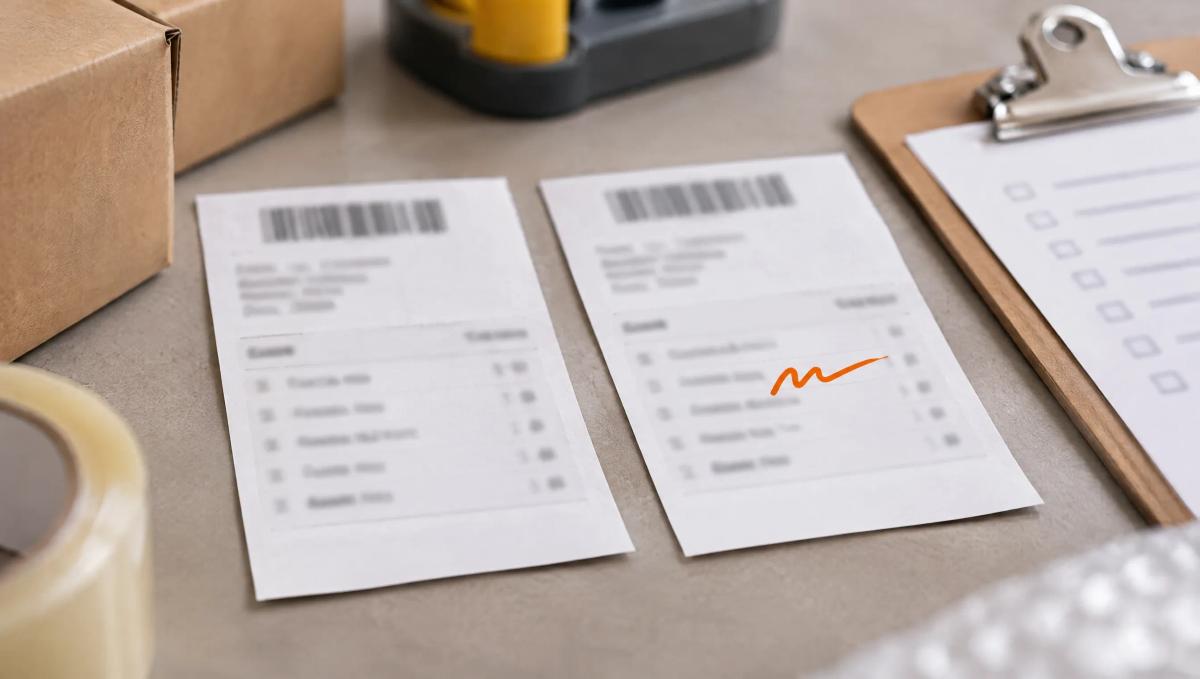
The person reviewing the change should see what differs. Present “two cases → three cases” beside the source, delivery status and current ERP order number. Giving someone two whole documents to compare invites a missed change to another line. A revision that arrives after shipment needs an agreed correction process. Sending it automatically through the original create-order path can trigger another delivery.
Order numbers are not universally unique. Two unrelated customers might both send PO-417. Some customers also reuse blanket order numbers and distinguish individual releases another way. Agree on the matching fields with each customer before merging documents automatically. For the ownership of identifiers shared across systems, see CRM and ERP integration.
Give exceptions a destination and confirm the ERP result
Set up a review queue with the original order reference, the reason work stopped, the affected line and the next owner. A customer service representative can clarify a ship-to. A pricing specialist can confirm a disputed agreement. An item data steward can create a missing reference through the normal approval process. Assign a response time the business can support, particularly if the buyer has a cut-off for same-day processing.
An accepted order should end with a readback from the ERP showing its order identifier, status, customer, delivery site, item, quantity, unit and value. The specific fields will differ by platform. For example, Microsoft documents the fields on a sales order line, including quantity, price per unit and product. Compare the stored result with the approved order, then retain the match or route the discrepancy to an owner.
A timeout deserves its own status. The ERP may have saved PO-417 even though the caller never received the response. Before retrying creation, look up the business reference or use the destination system’s documented mechanism for safe retries. When the result remains uncertain, let an operator reconcile it. Two green acknowledgments from the intake service cannot establish how many ERP orders exist.
Make acknowledgments precise. “We received PO-417” can go out when the document lands. “We accepted 12 pieces for Riverside” belongs after the ERP record and its details are confirmed. If the delivery date is still under review, give that date its own pending status. A customer can act on a promise that an internal queue merely intended to investigate.
Rehearse six orders before the first live intake
Use a test customer and a destination where no stock will be released. Have an order-entry specialist record the expected outcome before anyone runs the examples. Review the stored records and customer-facing acknowledgments afterwards. Retain the source, matched fields, exception decision and ERP readback together so another person can repeat the exercise after a configuration change.
| Input to replay | Expected outcome | Evidence to inspect |
|---|---|---|
| Original two-case order | One accepted order for 12 pieces and $48 | ERP identifier, line details and approved ship-to |
| Same content by email and EDI | One order, two receipts | Both source references point to the same ERP record |
| Three-case revision before picking | Approved amendment to 18 pieces and $72 | Version history and revised acknowledgment |
| Same item at $25 per case | Pricing hold | Owner sees the $2 subtotal difference |
| Missing destination on a multi-site account | Clarification requested | No release and no guessed address |
| ERP saves the order but the reply times out | Reconcile the existing record | One saved order after recovery |
Decide how you will count the results before the pilot. Count distinct customer orders separately from inbound messages. Track how many valid orders were confirmed without manual correction, how many exceptions reached their owner and how many accepted orders later needed a correction. Record the denominator and the period for each figure. An apparent improvement can otherwise come from leaving difficult orders unprocessed.
Start with one customer whose product codes, units and delivery addresses are maintained. Include examples from at least one person who resolves exceptions, as well as the team operating the integration. Expand only when someone can take a source order from receipt to the warehouse quantity, explain every hold, and trace a changed order without creating a second one. That is a practical first scope for an operational efficiency project.