

Purchase Order Automation: From Approval to Supplier Reply
An approved request is only the starting point. Define issuance, supplier acknowledgment and change handling before automating the handoffs.
Qonnex Editorial · Business operations and AI consulting

Purchase order automation connects an approved internal request to a controlled order sent to a supplier, then records what the supplier actually accepts. A reliable workflow distinguishes approval, issuance and acknowledgment, checks replies against the correct order version, and gives exceptions to a named owner. Sending a PDF successfully does not, by itself, establish that the supplier accepted every line.
The useful starting question is: What evidence lets us move this particular order to its next state? The answer should cover the normal path and the cases where the supplier changes a date, rejects a line or sends the same reply twice.
This guide follows the handoff after internal authorization. Use the purchase requisition workflow guide for the request and approval process before a PO exists. The worksheets below are fictional design examples. Your procurement and finance owners must validate actual authority, tolerances, cancellation rules and system behavior before implementation.
1. Define the approved input before creating an order
An approved requisition is an authorization record. A purchase order is the supplier-facing order created from it. Keep that distinction visible in your process map. Otherwise, a change made while preparing the PO can quietly diverge from what was approved.
Start with a field contract. For each eligible request line, identify the approved version, item or service description, quantity, unit of measure, currency, price basis, supplier, delivery location and required date. Record where each field comes from, who can correct it and what happens when it is missing. Some values may be selected after requisition approval. Document whether that selection requires another authorized decision.
The exact prerequisites depend on the application. SAP's automatic PO generation lesson describes source-of-supply and master-data conditions for its own process. Treat these as an example of explicit readiness checks, rather than a configuration recipe for every ERP.
For a pilot, choose one bounded purchasing route with stable inputs and a responsible buyer. Define whether several approved lines become one PO or several, and how an already converted line is recognized. A request identifier alone is insufficient if only part of a request was ordered. Store the relationship between source line, approved version and resulting PO line.
Give incomplete records a visible holding state. A missing delivery location should produce a correction task for the right owner. It should not be replaced with a plausible default merely to keep the automation moving. The correction and the subsequent eligibility check belong in the history.
2. Make issuance a controlled, repeatable transition
The following states are a design worksheet, not a universal list of ERP status names. Your application may distinguish document approval, transmission and supplier confirmation differently. Microsoft's PO approval and confirmation documentation illustrates why those distinctions depend on change-management settings and the order lifecycle.
| Illustrative state | Evidence required | Decision owner | Next check |
|---|---|---|---|
| Approved | Eligible source lines and approved version recorded | Authorized request owner | Can the buyer issue this exact order? |
| Issued | PO number, version, destination and transmission outcome saved | Buyer or purchasing operations | Was it delivered, and is a reply outstanding? |
| Acknowledged | Required lines accepted against the current issued version | Buyer or delegated order owner | Does the agreed schedule remain current? |
| Changed | Proposed difference and affected version captured | Owner authorized for that difference | Is reapproval or a revised PO needed? |
| Rejected | Supplier rejection and affected lines recorded | Buyer | Replace, revise or close through the approved route? |
| Cancelled | Authorized cancellation and supplier communication recorded | Authorized cancellation owner | Are remaining commitments reconciled? |
Create the order once, save the returned identifier, then issue the intended version through the selected channel. Store a correlation reference linking the source request, PO, version and outbound message. Separate “document created” from “transmission attempted” so a delivery failure does not trigger another order creation.
A timeout is an uncertain outcome. The supplier or ERP may have received the request even though the automation did not receive a response. Before retrying a write, reconcile using the application’s supported identifiers and history. If the outcome cannot be established safely, route it for review. A blind retry can create a second PO or send contradictory versions.
Set an owner-approved acknowledgment follow-up interval for the pilot. Do not invent a universal supplier deadline. Show outstanding orders with their issued version and last contact. An alert is useful only if someone owns the next action and can see what has already been sent.
3. Compare the acknowledgment at line and schedule level
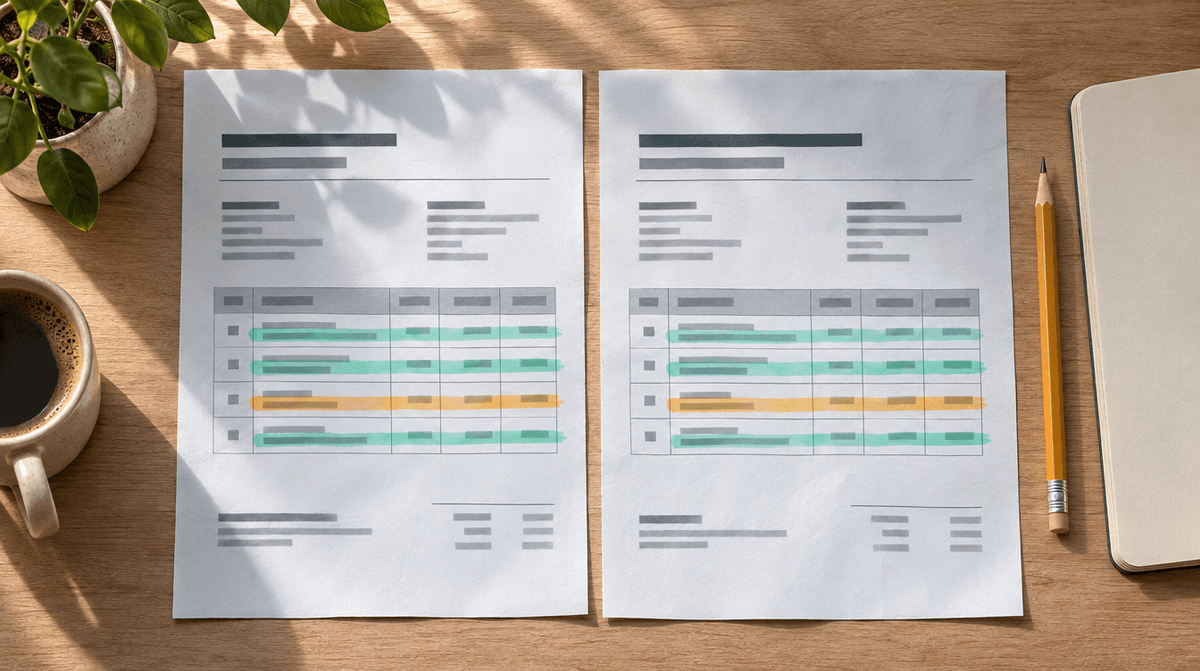
Supplier replies arrive through different channels: email, a portal, structured messages or manual entry. Normalize the important fields while preserving a link to the original response. Match the reply to the PO and its issued version before comparing quantities or dates. A response to an obsolete version needs review, even if some values still match.
The Microsoft order acknowledgment reference architecture describes comparing extracted supplier responses with ERP order data, routing differences and using an idempotency key such as PO number plus acknowledgment ID. It is a product architecture example. It does not establish that your systems are already connected or that any particular exception can be approved automatically.
Consider fictional PO-EX-1042, version 1: twelve headsets requested for 10 December 2026. The supplier offers ten on that date and two on 17 December. Recognizing the PO number is not enough to mark the whole order acknowledged without qualification.
| Check | Issued order | Supplier response | Fictional routing decision |
|---|---|---|---|
| Identity | PO-EX-1042, version 1 | Same PO and version | Continue comparison |
| Quantity | 12 headsets | 10 plus 2 | Reconcile the full line quantity |
| Delivery | All 12 on 10 December | 10 on 10 December, 2 on 17 December | Buyer reviews the proposed split schedule |
| Other terms | Current issued values | Unchanged in this example | Retain evidence. Do not infer unprovided terms |
The dates and quantities above are illustrative. They are not a supplier commitment or a recommended acceptance rule. If the authorized buyer accepts the split, record that decision, the agreed schedule and any required revised order. If approval is needed elsewhere, the automation should create the task and wait.
Preserve units and meaning during comparison. A case of twelve is not necessarily the same as twelve individual units. A blank date is not agreement to the requested date. Define how partial replies, substitutions, multiple schedules and unidentified lines are handled, with reviewers for ambiguous cases.
Acknowledgment also differs from receiving goods or approving an invoice. Keep those later controls in their own workflows. The invoice matching guide covers comparison with downstream purchasing evidence. A supplier’s acceptance does not prove delivery, quality or payment eligibility.
4. Keep changes, rejection and cancellation traceable
Supplier changes should retain both the issued values and the proposed values. Record which lines changed, who decided, why and which version became effective. Do not overwrite the original PO silently or treat a supplier proposal as the buyer's approval.
In Microsoft's vendor collaboration workflow, acceptance, rejection and acceptance with changes are distinct responses. Use the same distinction in your design discussions, while checking what your own platform and supplier channel actually support.
For a changed price, quantity or delivery date, the policy owner must decide what the buyer can accept and what requires reapproval. Record the applicable rule version alongside the decision. This article supplies no real spending threshold or legal conclusion about when a supplier contract is formed.
For rejection, identify whether it affects one line or the entire order. Assign the buyer a clear next action: obtain an alternative, propose a revision or follow the authorized closure route. Preserve the rejected version so a later response cannot be mistaken for a fresh acceptance.
For cancellation, distinguish an internal request to cancel from a confirmed operational outcome. Check what has already been acknowledged, received or invoiced, and use the organization’s authorized process. Do not delete history to make the queue look complete. The owner must reconcile any remaining obligations with the supplier and relevant internal teams.

Access matters throughout this path. The account that reads supplier messages does not automatically need authority to change prices or cancel orders. Give each component only the permissions its role requires, retain decision evidence and test recovery without granting broader approval rights to the automation.
5. Test a complete order story before expanding
Create a small acceptance pack that follows one source line through creation, transmission, reply and revision. Use non-production records and agreed test suppliers or a safe simulation. Confirm the actual screens, messages and histories that a buyer will use when something goes wrong.
| Test case | Expected controlled behavior | Evidence to retain |
|---|---|---|
| Complete approved request | One eligible order created and intended version issued | Source-to-PO line mapping and transmission record |
| Response timeout after creation | Reconcile before retrying the write | Correlation reference and confirmed outcome |
| Same acknowledgment received twice | Recognize the duplicate without repeating the decision | Original response ID and duplicate record |
| Supplier proposes a later date | Route the difference to the authorized owner | Original date, proposed date and recorded decision |
| Reply references an old version | Hold for review rather than overwrite the current order | Both version references and resolution |
| Buyer requests cancellation | Use the authorized path and reconcile the outcome | Decision, supplier communication and remaining status |
Add expected owners and your application's real state names to this worksheet. Agree on the pass condition before running the test. A task arriving in an inbox is not a passed exception test unless the owner can resolve it and the process resumes with the right version.
Measure a baseline before the pilot: handling time, waiting for acknowledgment, unresolved differences and corrections caused by duplicates. Separate staff effort from elapsed time. Compare like-for-like order types and examine unresolved cases, rather than claiming improvement from the number of automated messages alone. No savings percentage follows from this worksheet.
The practical deliverable is a signed-off field contract, a state map, an exception-owner list and a completed acceptance record. These make the next automation decision reviewable. For help defining that bounded pilot, explore Qonnex's operational efficiency approach with your process owner and the systems team.